Button Callback
Interactive button with state updates and callbacks.
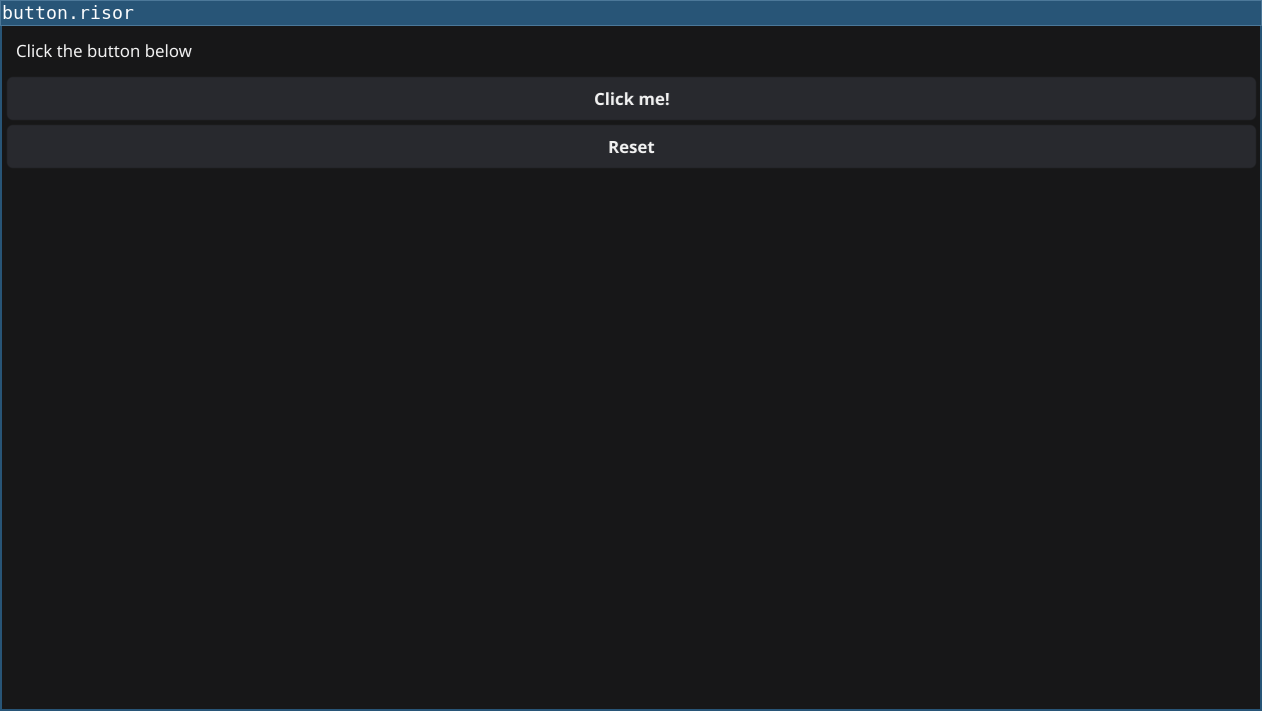
Code
require(["v0.4", "@gui"])

let clickCount = 0

let label = widget.NewLabel("Click the button below")

let button = widget.NewButton("Click me!", () => {
    clickCount = clickCount + 1
    label.Text = sprintf("Button clicked %d times", clickCount)
})

let resetButton = widget.NewButton("Reset", () => {
    clickCount = 0
    label.Text = "Click the button below"
})

// Create vertical layout with widgets
let layout = container.NewVBox([
    label,
    button,
    resetButton
])

window.SetContent(layout)
Explanation
- State Management - Use a variable
clickCountto track button clicks - Arrow Functions - Button callbacks use
() => { }syntax (Risor v2) - Dynamic Updates - Update label text directly with
label.Text = ... - Layout -
container.NewVBox()stacks widgets vertically
Key Concepts
- Callbacks: Functions passed to widgets that execute on interaction
- State: Variables that persist between callback invocations
- String Interpolation: Use
sprintf()for formatted strings - Widget Properties: Direct property access like
label.Text
Try It
fynerisor button-callback.risor