Tree Widget
Hierarchical tree structure with expandable nodes.
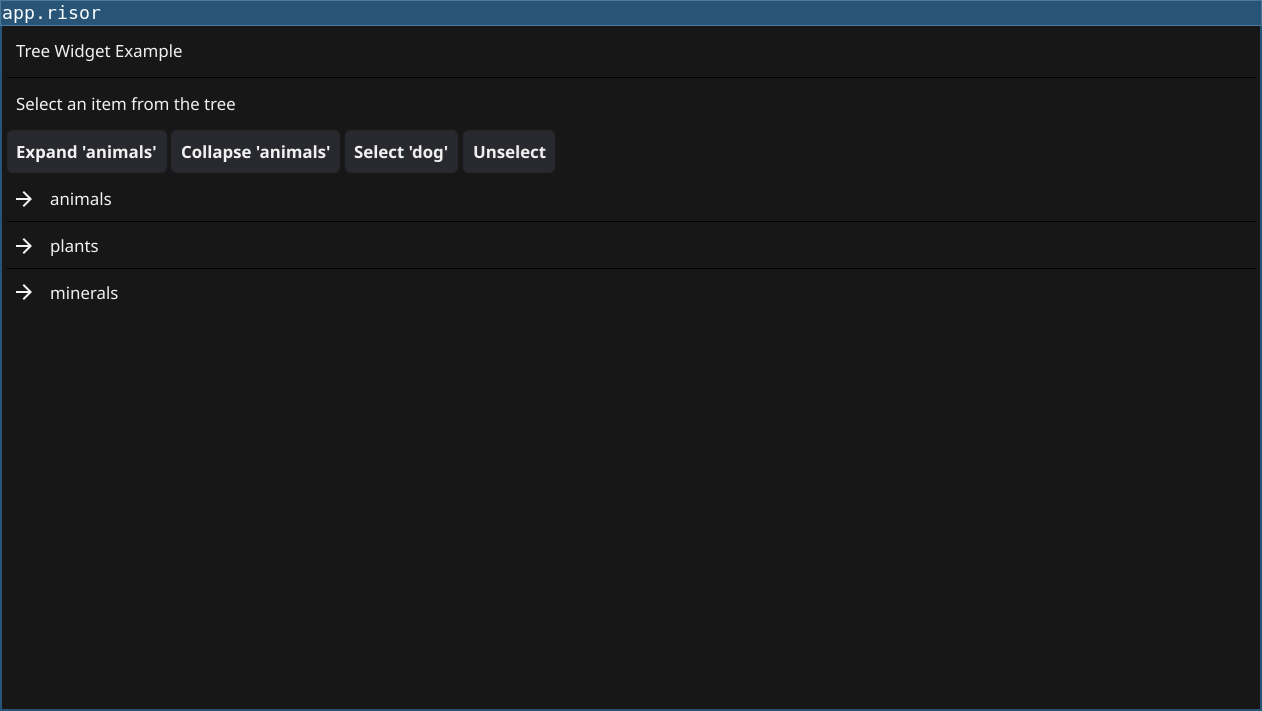
Code
require(["v0.4", "@gui"])

// Tree structure: parent -> children mapping
let treeData = {
    "": ["Documents", "Pictures", "Music"],
    "Documents": ["Work", "Personal"],
    "Work": ["report.pdf", "presentation.ppt"],
    "Personal": ["notes.txt"],
    "Pictures": ["vacation.jpg", "family.png"],
    "Music": ["song1.mp3", "song2.mp3"],
}

let selectedLabel = widget.NewLabel("No selection")

let tree = widget.NewTree()

// Return child IDs for a parent
tree.ChildUIDs((uid) => {
    let children = treeData[uid]
    if (children != nil) {
        return children
    }
    return []
})

// Check if node has children (is a branch)
tree.IsBranch((uid) => {
    return treeData[uid] != nil
})

// Create node widget template
tree.CreateNode((branch) => {
    return widget.NewLabel("")
})

// Update node with actual data
tree.UpdateNode((uid, branch, node) => {
    if (branch) {
        node.Text = sprintf("📁 %s", uid)
    } else {
        node.Text = sprintf("📄 %s", uid)
    }
})

// Handle selection
tree.OnSelected((uid) => {
    selectedLabel.Text = sprintf("Selected: %s", uid)
})

let content = container.NewBorder(
    selectedLabel,
    nil,
    nil,
    nil,
    tree
)

window.SetContent(content)
Explanation
- Tree Structure - Map of parent UIDs to child UID arrays
- ChildUIDs - Return children for given parent UID
- IsBranch - Return true if node has children (expandable)
- CreateNode - Template widget for tree nodes
- UpdateNode - Customize node display (branch vs leaf icons)
- OnSelected - Handle node selection
Key Concepts
- Hierarchical Data: Use dictionary/map for parent-child relationships
- UIDs: Unique identifiers for each node (can be any string)
- Branch vs Leaf: Branches expand, leaves don’t
- Icons: Use emojis (📁 📄) for visual distinction
Try It
fynerisor tree-widget.risor