HTTP Fetch
Making HTTP requests and displaying JSON data.
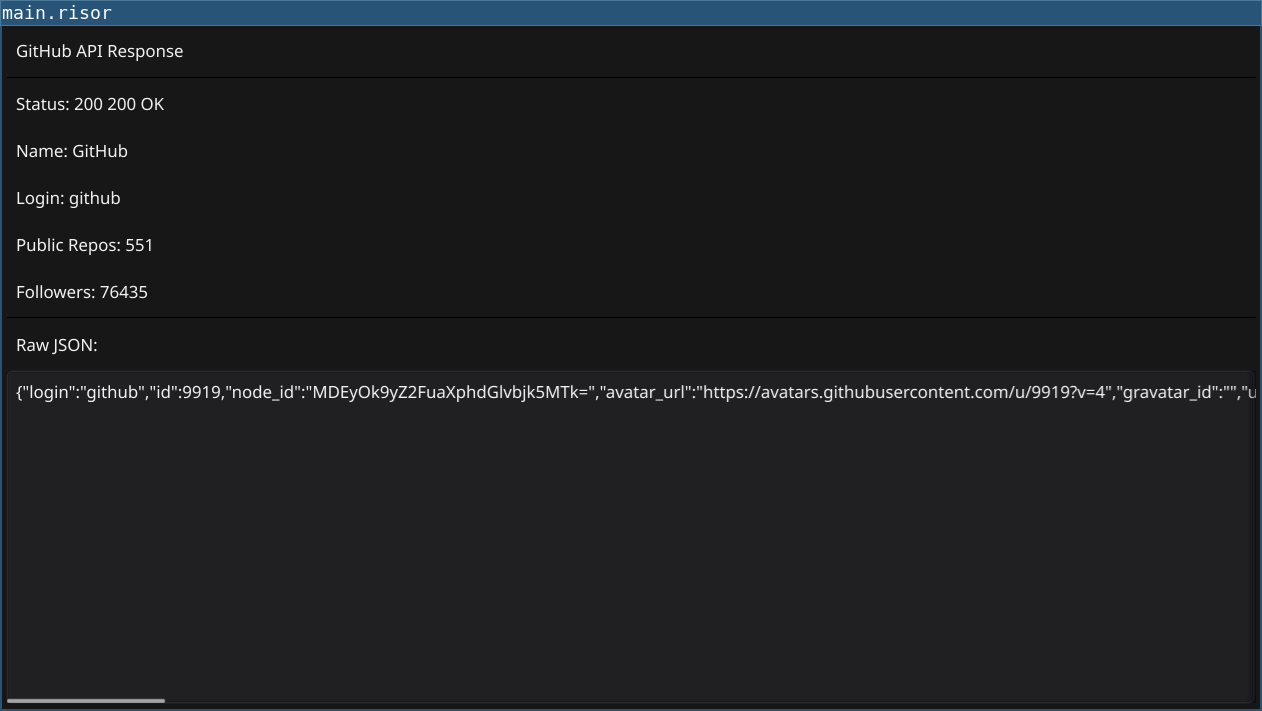
Code
require(["v0.4", "@gui", "@http"])

let urlEntry = widget.NewEntry()
urlEntry.SetPlaceHolder("https://api.github.com/users/octocat")
urlEntry.Text = "https://api.github.com/users/octocat"

let resultText = widget.NewLabel("")
resultText.Wrapping = constants.TextWrapWord

let statusLabel = widget.NewLabel("Ready")

let fetchButton = widget.NewButton("Fetch", () => {
    let url = urlEntry.Text

    if (url == "") {
        statusLabel.Text = "Error: URL is required"
        return
    }

    statusLabel.Text = "Fetching..."

    go(() => {
        // Make HTTP request in background
        let response = http.get(url)

        // Update UI on main thread
        window.Do(() => {
            if (response.status == 200) {
                let data = response.json()
                let formatted = sprintf(
                    "Name: %s\nBio: %s\nFollowers: %d\nPublic Repos: %d",
                    data["name"],
                    data["bio"],
                    data["followers"],
                    data["public_repos"]
                )
                resultText.Text = formatted
                statusLabel.Text = "Success!"
            } else {
                resultText.Text = ""
                statusLabel.Text = sprintf("Error: HTTP %d", response.status)
            }
        })
    })
})

let content = container.NewBorder(
    container.NewVBox([
        widget.NewLabel("GitHub User API Demo"),
        urlEntry,
        fetchButton,
        statusLabel,
    ]),
    nil,
    nil,
    nil,
    container.NewScroll(resultText)
)

window.SetContent(content)
Explanation
- HTTP Module - Enable with
require(["@http"]) - Background Request - Use
go()for non-blocking HTTP calls - JSON Parsing -
response.json()parses JSON response - Thread Safety - Use
window.Do()to update GUI from background - Status Handling - Check
response.statusfor errors
Key Concepts
- Concurrency:
go()runs function in background goroutine - Thread Safety: Never update GUI directly from background—use
window.Do() - JSON APIs: Parse JSON responses with
.json()method - Error Handling: Check HTTP status codes before processing
Try It
fynerisor http-fetch.risorTest with different APIs:
https://api.github.com/users/octocathttps://jsonplaceholder.typicode.com/posts/1https://api.github.com/repos/fyne-io/fyne