Table Display
Paginated table widget with dynamic data.
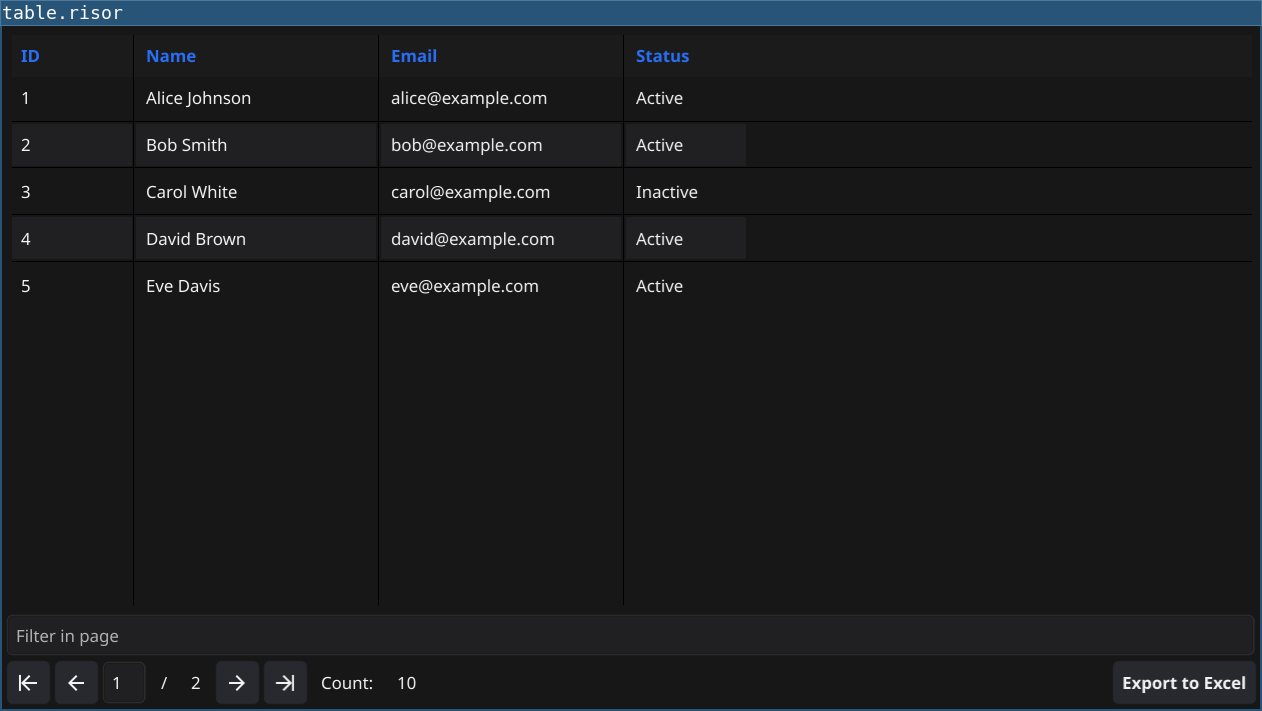
Code
require(["v0.4", "@gui"])

// Sample data
let users = [
    ["1", "Alice", "alice@example.com"],
    ["2", "Bob", "bob@example.com"],
    ["3", "Charlie", "charlie@example.com"],
    ["4", "Diana", "diana@example.com"],
    ["5", "Eve", "eve@example.com"],
]

// Create table with 20 rows per page
let table = widget.NewTable("Users", 20)

// Define column headers
table.Columns(() => ["ID", "Name", "Email"])

// Return total row count
table.RowCount(() => users.length)

// Return data for current page (offset and limit)
table.Data((offset, limit) => {
    let end = offset + limit
    if (end > users.length) {
        end = users.length
    }
    return users.slice(offset, end)
})

// Set column widths
table.SetColumnWidth(0, 60)
table.SetColumnWidth(1, 150)
table.SetColumnWidth(2, 250)

table.Refresh()
window.SetContent(table)
Explanation
- Table Widget -
widget.NewTable(name, rowsPerPage)creates paginated table - Columns Callback - Define column headers with array of strings
- RowCount Callback - Return total number of rows
- Data Callback - Return data slice for current page (offset, limit)
- Column Widths - Set specific widths for each column
- Refresh - Call
table.Refresh()to render the table
Key Concepts
- Pagination: Table automatically handles paging with controls
- Lazy Loading: Data callback only fetches visible rows
- Callbacks: Use arrow functions for dynamic data
- Array Slicing:
array.slice(start, end)for pagination
Try It
fynerisor table-display.risor