Button Callback
Demonstrates interactive widgets with callback functions that update the UI in response to user actions.
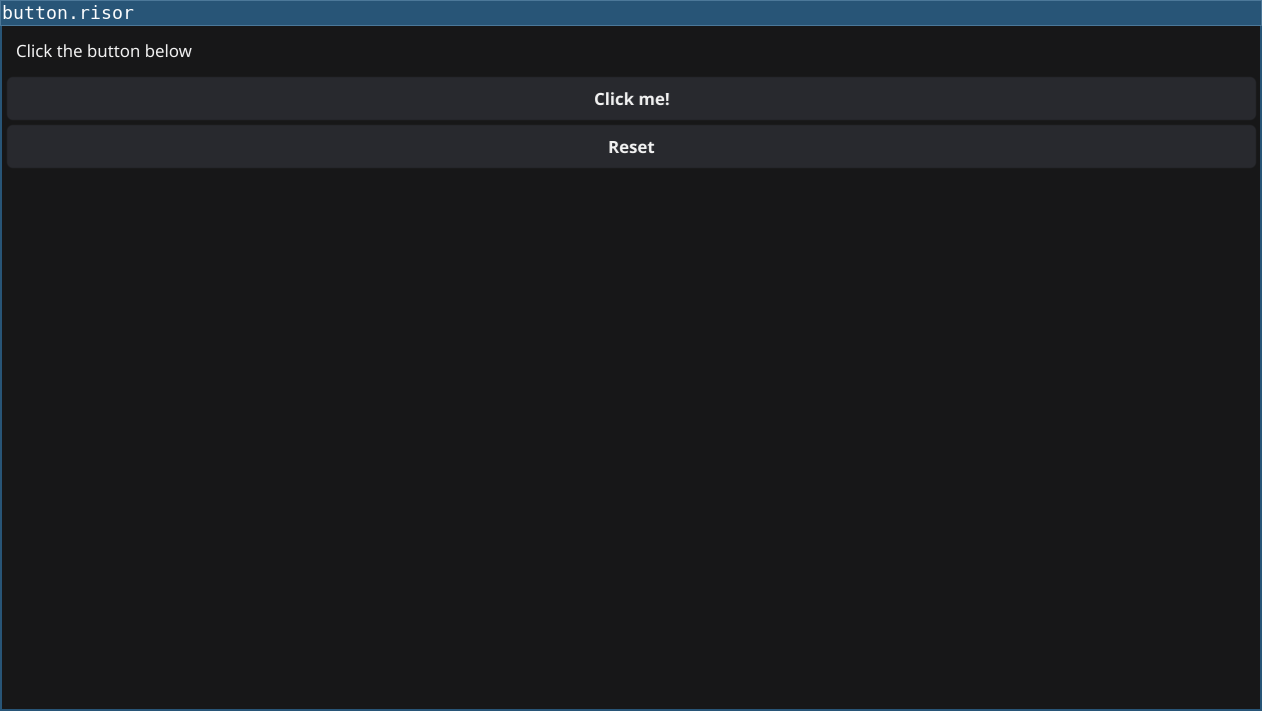
Features
- Creates a label and two buttons
- Tracks button click count
- Updates the label text when buttons are clicked
- Shows how to use closures to maintain state
Code
// Button with callback example
// Demonstrates interactive widgets and state updates

require("v0.2")

let clickCount = 0

let label = widget.NewLabel("Click the button below")

let button = widget.NewButton("Click me!", () => {
    clickCount = clickCount + 1
    label.Text = `Button clicked ${clickCount} times`
})

let resetButton = widget.NewButton("Reset", () => {
    clickCount = 0
    label.Text = "Click the button below"
})

// Create vertical layout with widgets
let layout = container.NewVBox(
    label,
    button,
    resetButton
)

window.SetContent(layout)
Running
cd examples/02-button-callback
go run main.go
Or with the fynerisor CLI:
fynerisor script.risor